
5 More Must Have Packages for the Atom Text Editor

Below is a list of 5 must have packages for the Atom text editor. This is a continuation of my previous post at http://gamebuildingtools.com/atom-text-editor/3-atom-packages-get-started where I cover 3 packages to get you started with Atom.
Open in Browser
This package does what it says. It allows you to open up a file in your default browser. This is a quicker way to see your files in the browser. I’ve installed the package open-in-browser available at https://atom.io/packages/open-in-browser .
Open in Terminal
Similar to open in browser, open in terminal will open up the file into your terminal. Here’s the key bindings, which were copied from the documentation:
Open terminal on current file’s directory with ctrl-shift-t.
Open a terminal in the project’s root directory with alt-shift-t.
I’m using atom-terminal which is available at https://atom.io/packages/atom-terminal . I tend to use the first command way more often than I should.
Linter
Linter probably deserves it’s own blog post. This package is like a syntax checker for different languages and it can help keep you on track during development. You can check out Linter at https://atom.io/packages/linter .
Sort-Lines
I use this package when developing word games or creating lists. Sort lines will alphabetize a list into A-Z format. It sounds simple, but it’s a time saver with the list of countries, states, or food names. Install it at https://atom.io/packages/sort-lines .
Pigments
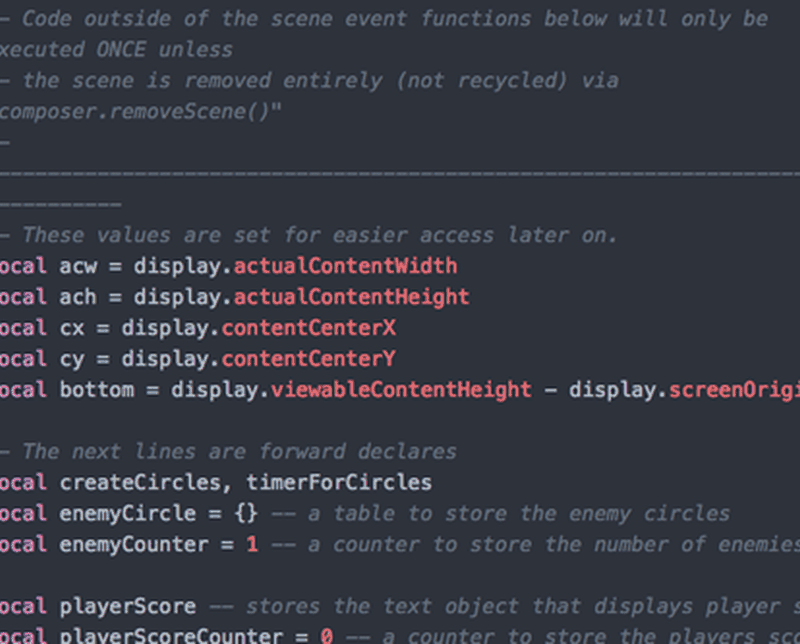
Pigments is a package the lets Atom display colors in projects and files. This can be a hit or miss with other developers because it can get really annoying. However, I personally find it to be extremely useful in game development. There are times when I have 20+ different colors for my game and this package allows me to spot check them. Install Pigments at https://atom.io/packages/pigments .

If you have a package that you’d like to everyone know about, please leave a comment below. Thanks for reading!
